Run your whole sunbed salon from one PC.
Front desk, diary, clients, till, stock and staff in one place, and it starts your sunbeds for you. Your client data never leaves your salon.
Demo salon: all client names and details are fictional.
- Keeps trading offline for 30 days
- Client data never leaves your PC
- Backs up every time you close
- Built with a working salon
- Switch from Salon Tracker in minutes
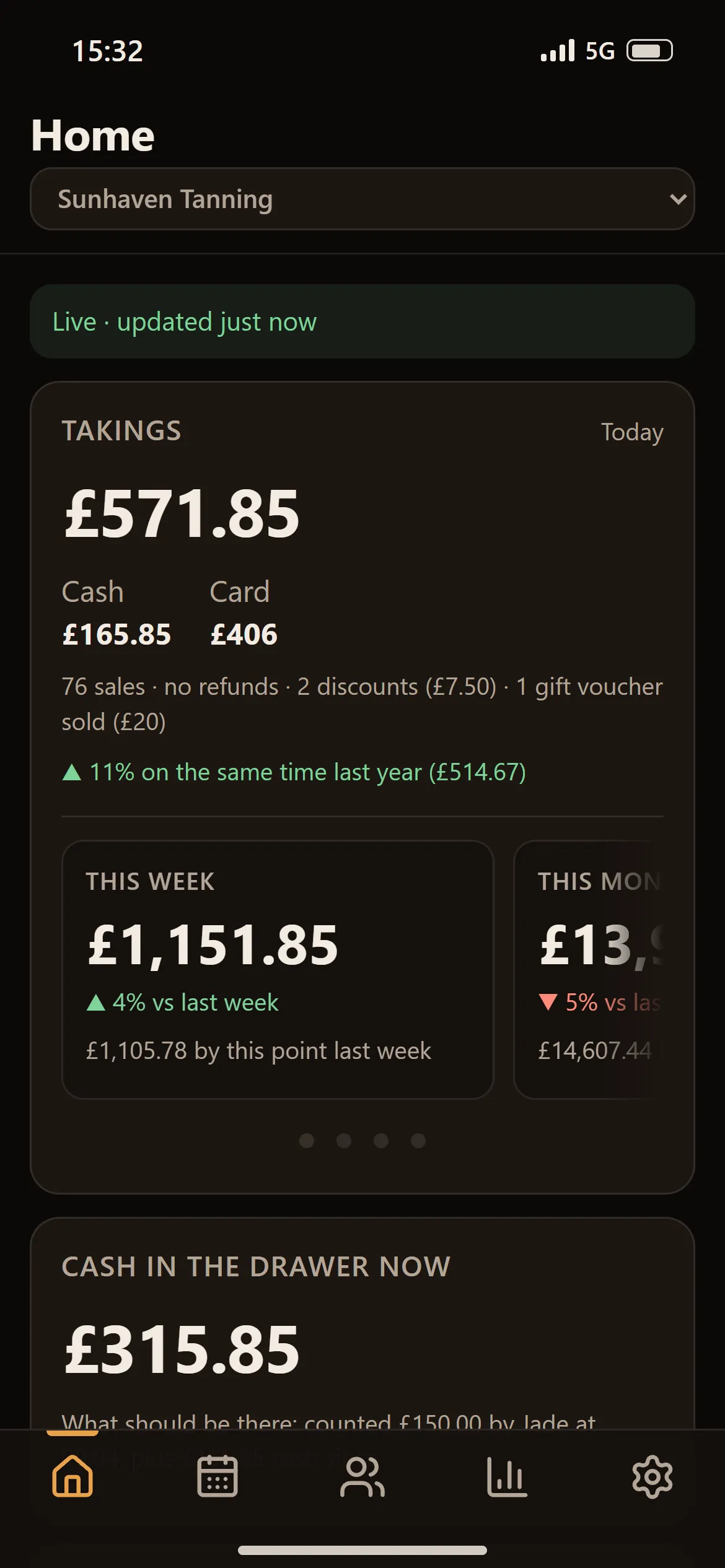
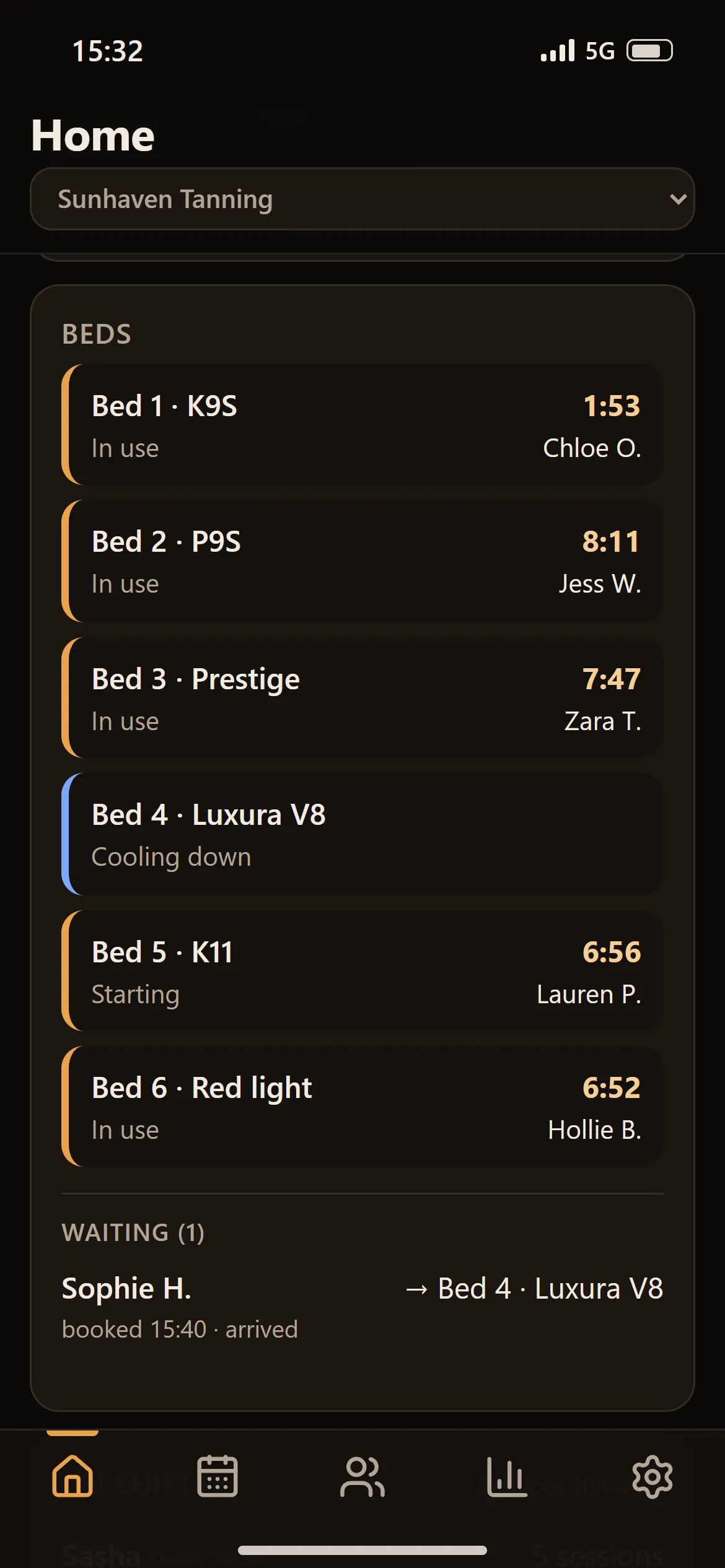
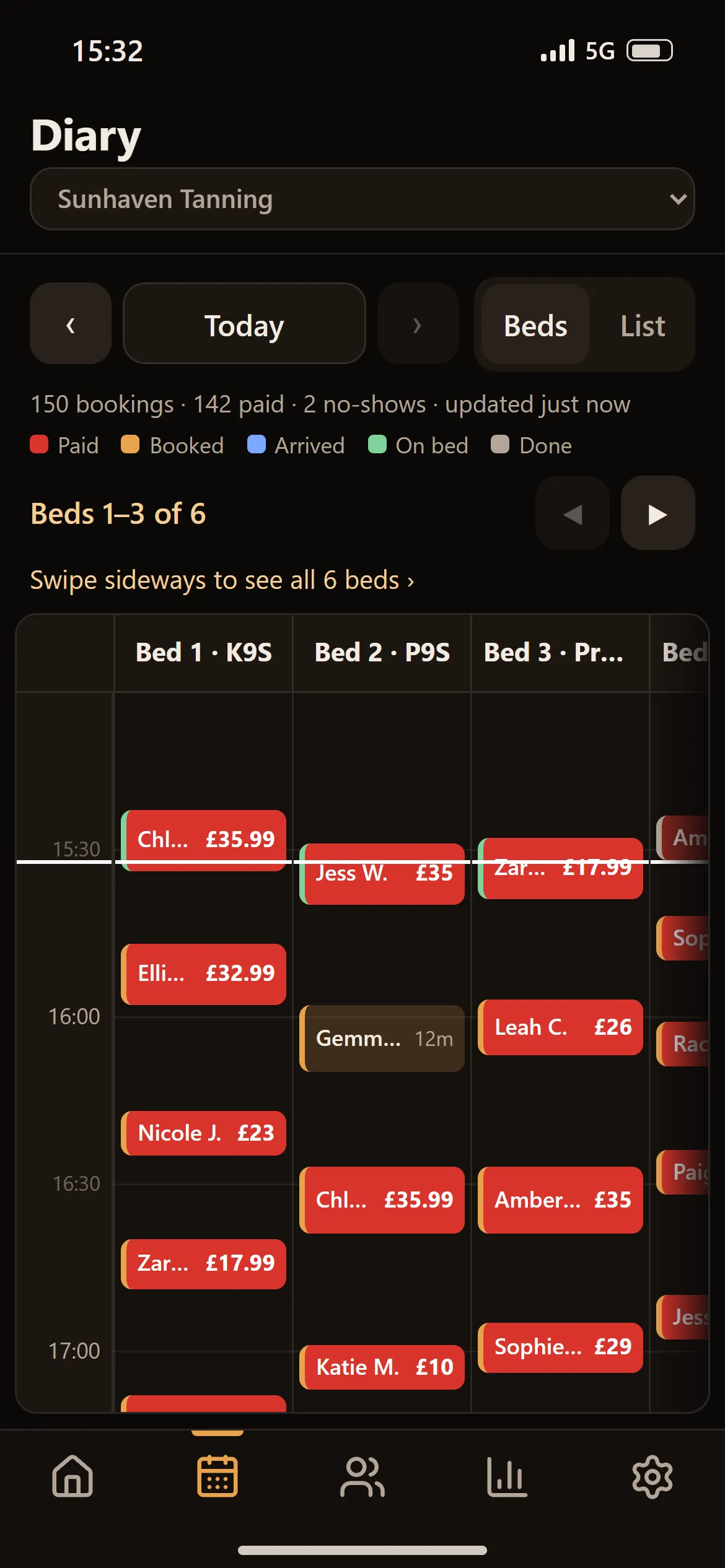
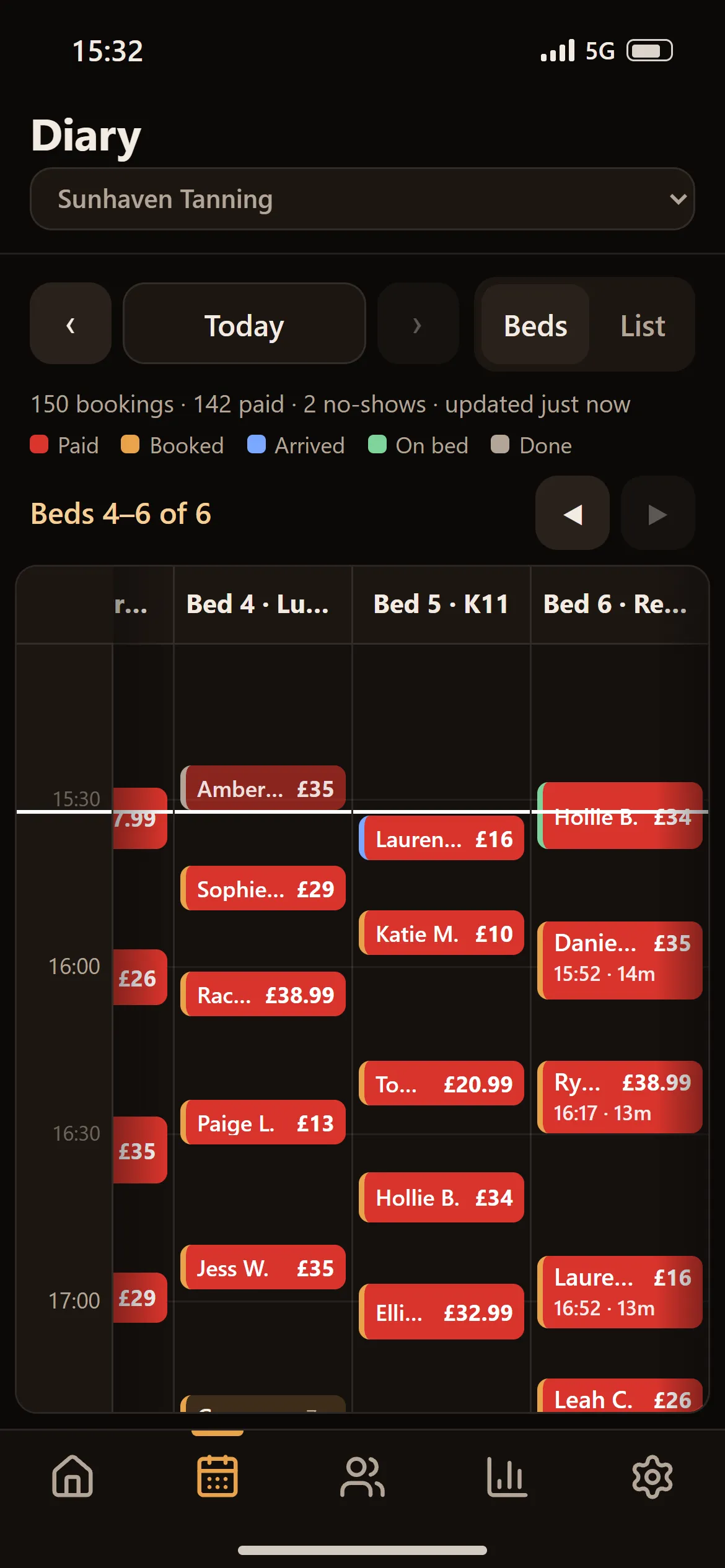
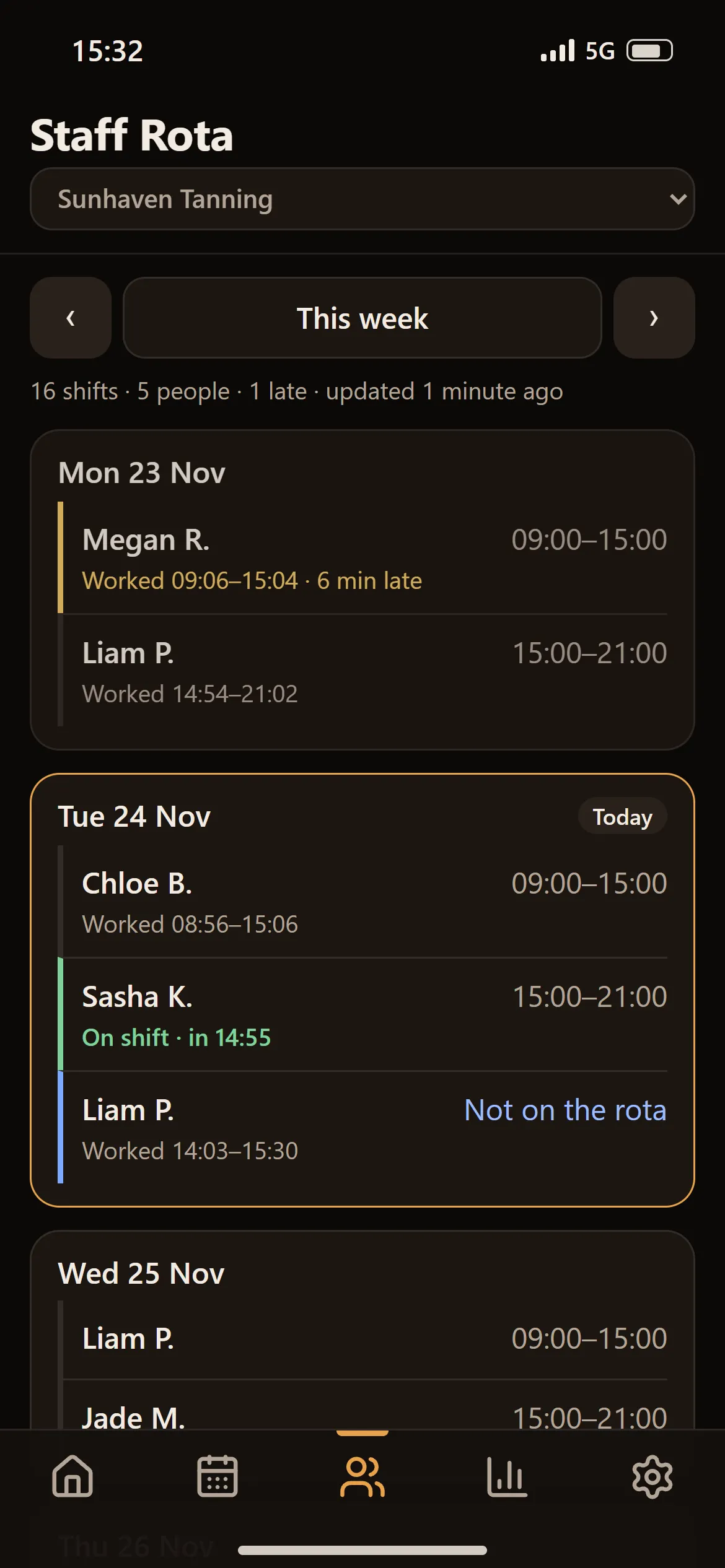
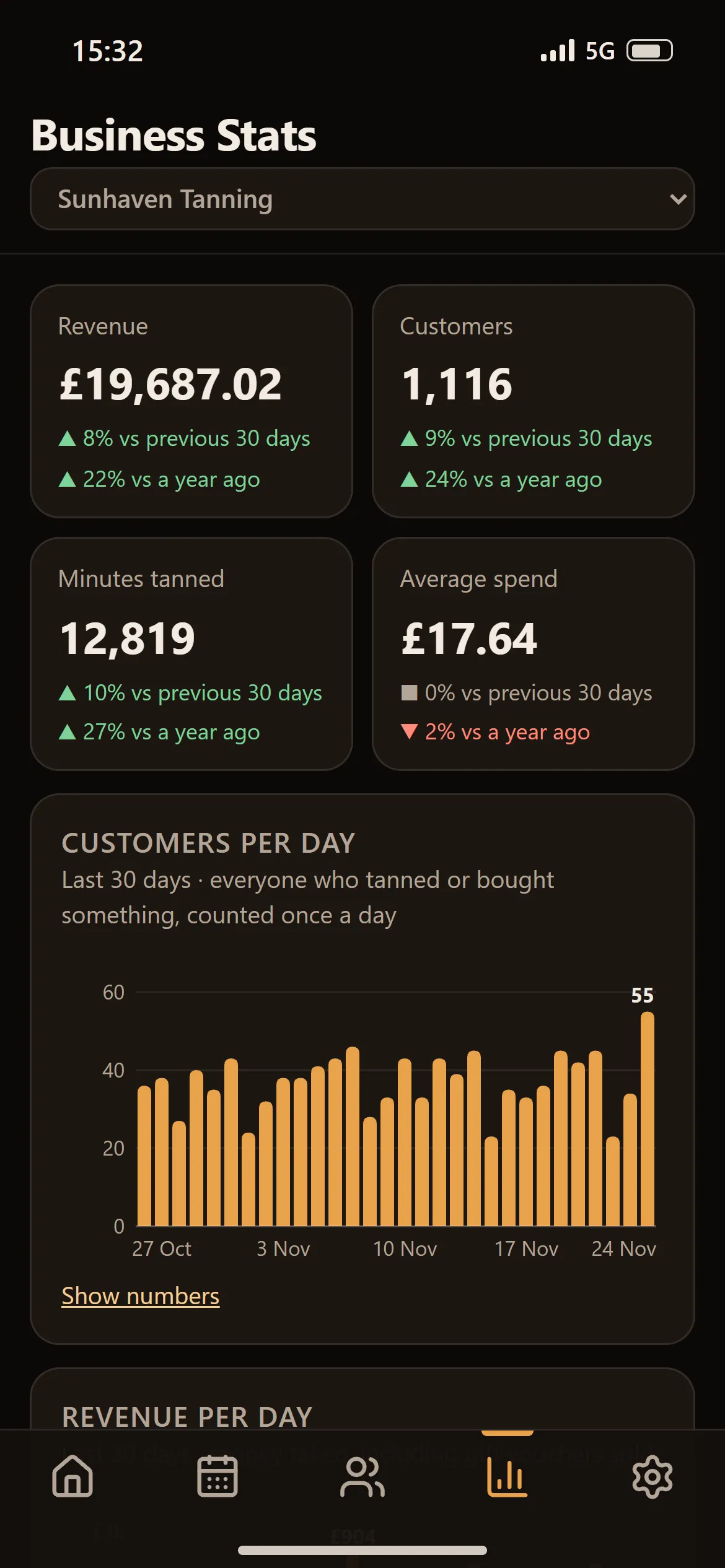
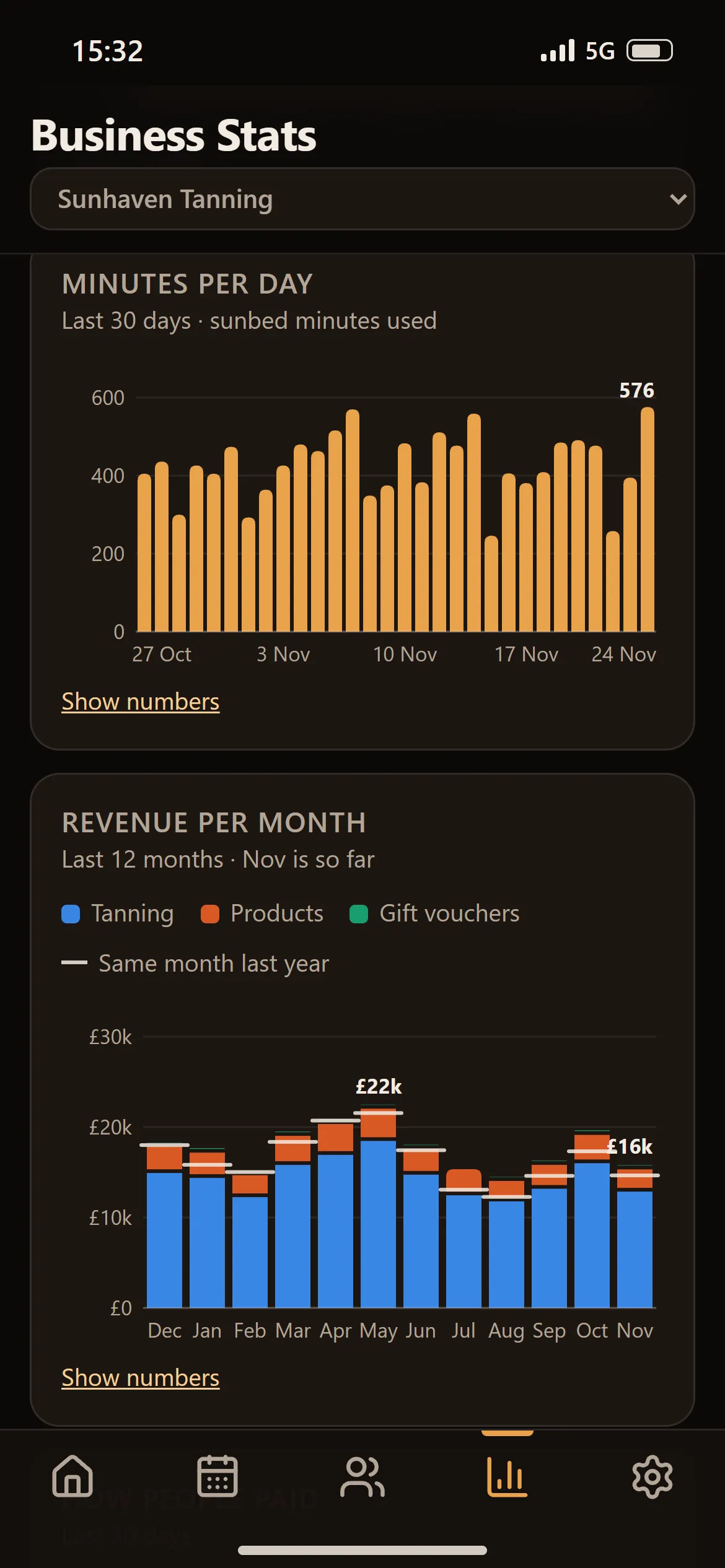
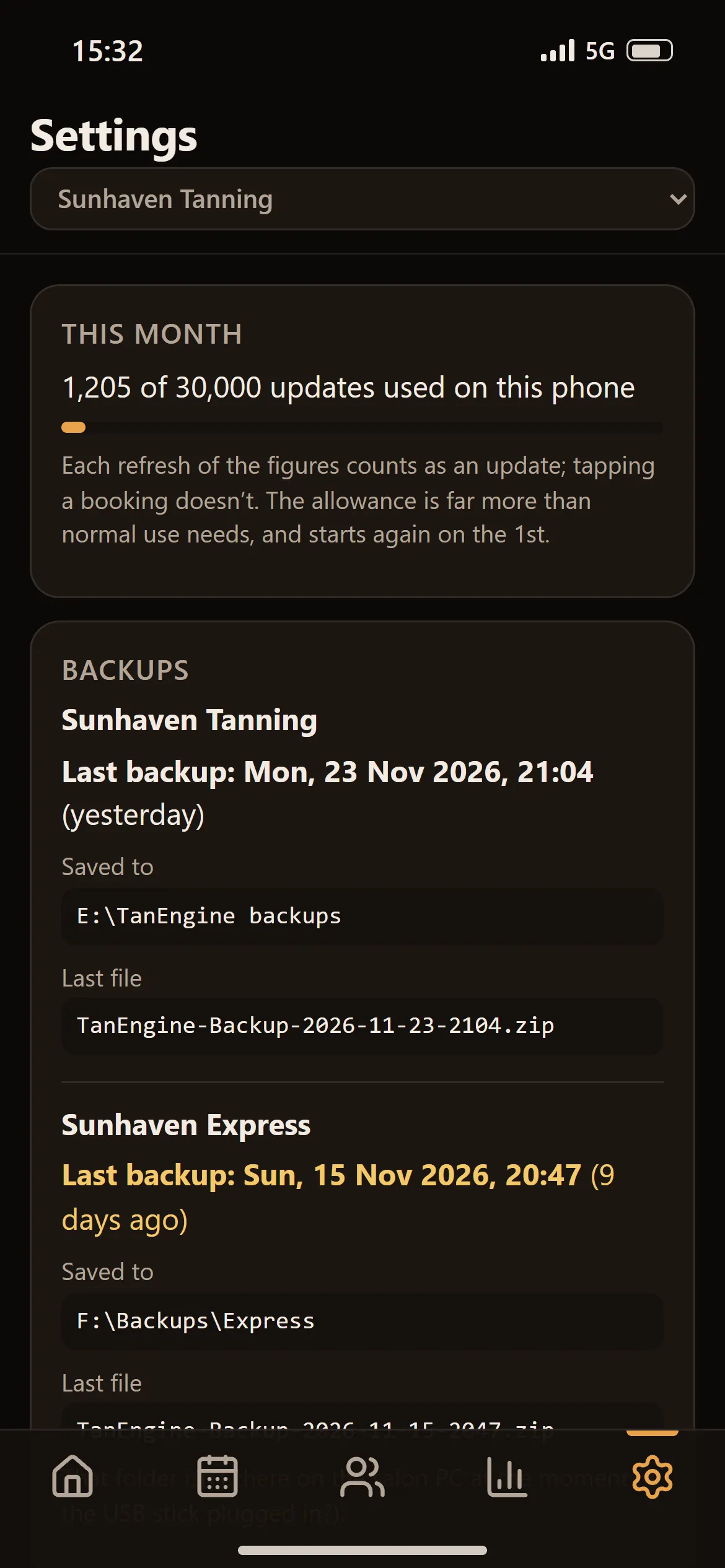
Made-up salon: names and figures are fictional.
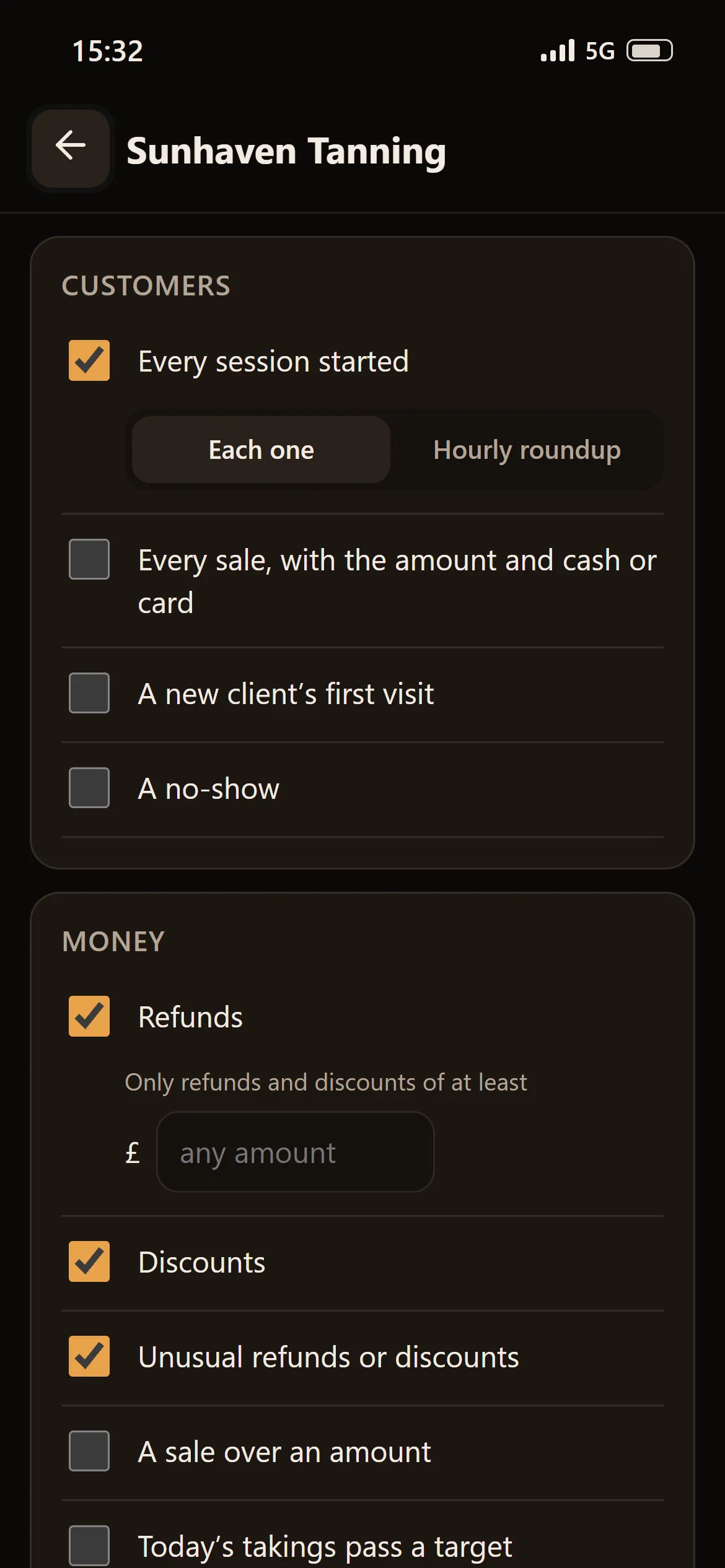
Your salon, live in your pocket.
Not at the salon? The supplemental TanEngine manager app will show you what's happening right now, from wherever you are.
- Which beds are running, and how long each session has left
- Today's takings as they come in
- Who's on shift, the diary and the staff rota
- A year of customers and revenue, and your busiest times
Tanning Salon Desktop Software
A day in your salonMade for how a sunbed salon really runs
Beds, minutes, consent and a queue at the door. TanEngine handles the whole day at the front desk.
Real screens from TanEngine, running a made-up salon.
Open up
Staff sign in with their own PIN. The front desk shows every bed, ready to go.
Demo salon: all client names and details are fictional. Front desk and queue
See which beds are free, in use or being cleaned, and who is waiting. Tap a bed to put a customer on.
Diary: every bed, every booking, liveDemo salon: all client names and details are fictional. New client
Take their details, skin type and photo, and have them sign the consent form on screen.
Clients: consent, skin type and minutesDemo salon: all client names and details are fictional. Till and packages
Sell minutes, courses and lotions in a few taps. Minutes go straight onto their account.
Till: packages, products and today's takingsDemo salon: all client names and details are fictional. Close and back up
Check the takings, then TanEngine offers to back everything up before it closes.
Demo salon: all client names and details are fictional.
Your whole day, on one PC
See every featureStarts your beds. No separate timer screen.
Put a customer on a bed and TanEngine sends the session to it through your T-Max controller, with the dress-down time first. Each bed's countdown shows live at the front desk.
Before each session it checks the customer's age, skin type, patch test and how often they've tanned this week. A session that breaks your rules doesn't start without an override, and every override is recorded with its reason.
How bed control worksSwitching takes minutes. Just drop in your backup.
Your clients, their minutes, packages, sales and bookings come straight across. No retyping, no starting from scratch, and nothing changes until you say so.
- 1
Drop in your backup
Make a backup in Salon Tracker, then drag the file onto TanEngine's import screen. That's it.
- 2
Tick what comes across
Bring everything, or just what you want. Your clients always come, with the minutes they've paid for.
- Customers (always) – ticked
- Minute balances – ticked
- Packages and prices – ticked
- Sales history – ticked
- Bookings and sessions – ticked
- Retail stock – not ticked
- 3
Check, then import
Press Check to see exactly what will come across, including a check that the unspent minutes add up. Happy? Press Import. Done.
- TanEngine backs itself up first
- Changed your mind? Take the imported data back out
Your backup never leaves your salon PC.
TanEngine reads the file right there on your computer. It isn't uploaded anywhere, and we never see it or your clients' details. Their information stays as confidential as it is today.
Why salons choose TanEngine as their Salon Tracker alternative
£35a month
One plan. Everything included.
No add-ons and no per-bed charges. One licence runs one salon PC.
Or £290 a year and save £130. The price you see is the price you pay.
Pricing detailsGood to know
What happens if the internet goes down?
Nothing changes at the front desk. TanEngine only needs the internet to check your licence now and then, and it keeps trading for up to 30 days without a connection. It warns you in the last 7 days.
Where is my client data stored?
On your salon PC only. Client records, photos, signatures and sales are never uploaded to us or anyone else. We can't see them.
Which bed controllers work with TanEngine?
TanEngine starts and stops beds through a T-Max Manager controller connected by USB. Support for Sigma consoles, Caliber consoles and TC bank servers is built in, but has not yet been tested in a salon. See the compatibility list.
Is there a free trial?
No, but we can show you TanEngine working before you buy. Ask for a demo on the Pricing page and we'll show you every screen. Activate it with a licence key when you're ready.
Can I bring my data from Salon Tracker?
Yes, and it takes minutes. Make a backup in Salon Tracker and drag the file onto TanEngine’s import screen. Tick what you want to bring across (clients, minute balances, packages, sales, bookings and stock), press Check to see what will happen, then Import. The backup is read on your PC and never uploaded, so we never see your clients’ details.