Add and edit products
Set up the lotions, eyewear and accessories you sell, with barcodes, prices, VAT and reorder levels.
Who can do this: Owners and managers
On this page
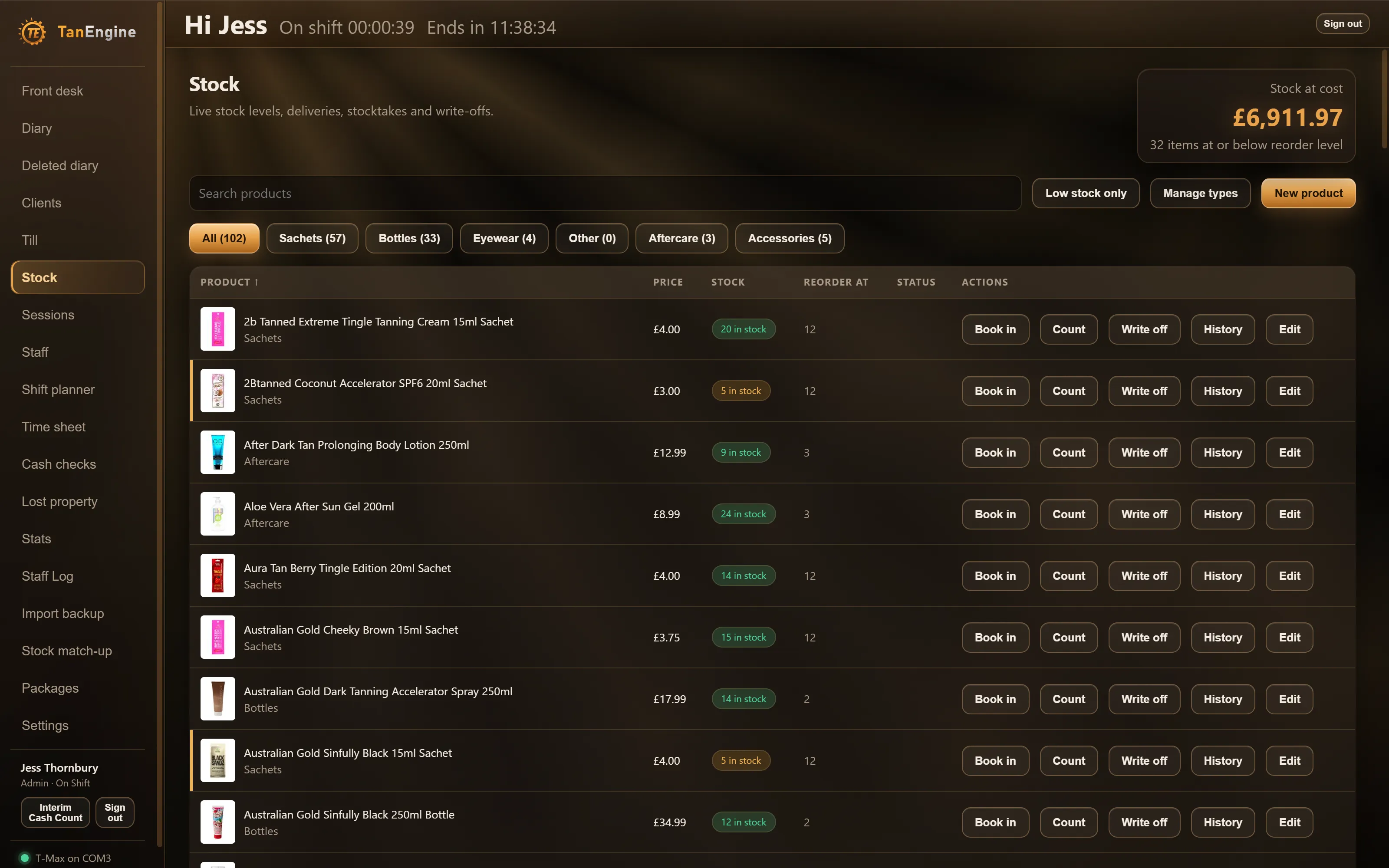
Open Stock from the menu. TanEngine comes with a starter range of popular tanning products, which you can edit, hide or add to.
Add a product
- Click New product.
- Fill in:
| Field | What to put |
|---|---|
| Name | Required, for example “Soleo Tingle Bell 15ml Sachet”. |
| Barcode | Click in and scan the product. Each barcode can only be used once. |
| Category | Sachets, Bottles, Eyewear, Other, or your own type. |
| Sale price (£, inc VAT) | What customers pay. |
| Cost price (£) | What you pay. Used for your stock value. |
| VAT % | 20 to start with. |
| Reorder level | Warn you when stock falls to this number. |
| Status | On sale or Hidden. |
| Opening stock | How many you have now (new products only). |
- Click Add.
Edit a product
Click Edit on its row, change the details and click Save.
Stop selling a product
Products can’t be deleted, because past sales refer to them. Set Status to Hidden. Hidden products don’t appear on the till, in the sell screens or when scanned, but stay on the Stock screen.
Product types
Click Manage types to rename, delete or add categories. Renaming a type renames it on every product that uses it. A type can’t be deleted while products still use it.
Product pictures
Products in the starter range come with a picture, which staff see when selling to a client. Products you add yourself show “No photo”.
Find a product
Type in Search products to search by name, barcode or category, or use the tabs to show one type. Click a column heading to sort.
Screenshots show a demo salon. All client names and details are fictional.